Optimize Device Energy Consumption
Discover data-driven methods to reduce power consumption across your personal electronic devices. Monitor, analyze, and optimize your digital energy footprint with precision tools and actionable insights.

Digital Energy Footprint Calculator
Input your daily device usage to visualize your energy consumption and understand the environmental impact of your digital lifestyle.
Thermal Equilibrium Analysis
Understanding the relationship between heat generation and energy waste is fundamental to device optimization. Thermal throttling occurs when devices reduce performance to manage temperature, resulting in inefficient energy usage.
Our analysis tools help identify heat generation patterns and suggest natural cooling strategies that maintain optimal operating temperatures without compromising performance.

Background Process Management
Identify and manage applications that consume power invisibly. Many background processes continue running even when not actively used, draining battery life and increasing energy consumption.
Process Monitoring
Track which applications consume the most power during idle periods. System monitoring tools provide real-time data on CPU usage, memory allocation, and network activity.
Optimization Strategies
Learn to configure system settings that automatically suspend unnecessary background processes. This includes disabling auto-start applications and managing scheduled tasks.
Battery Impact Metrics
Understand how different applications affect battery life. Each process has measurable impact metrics that help prioritize optimization efforts.
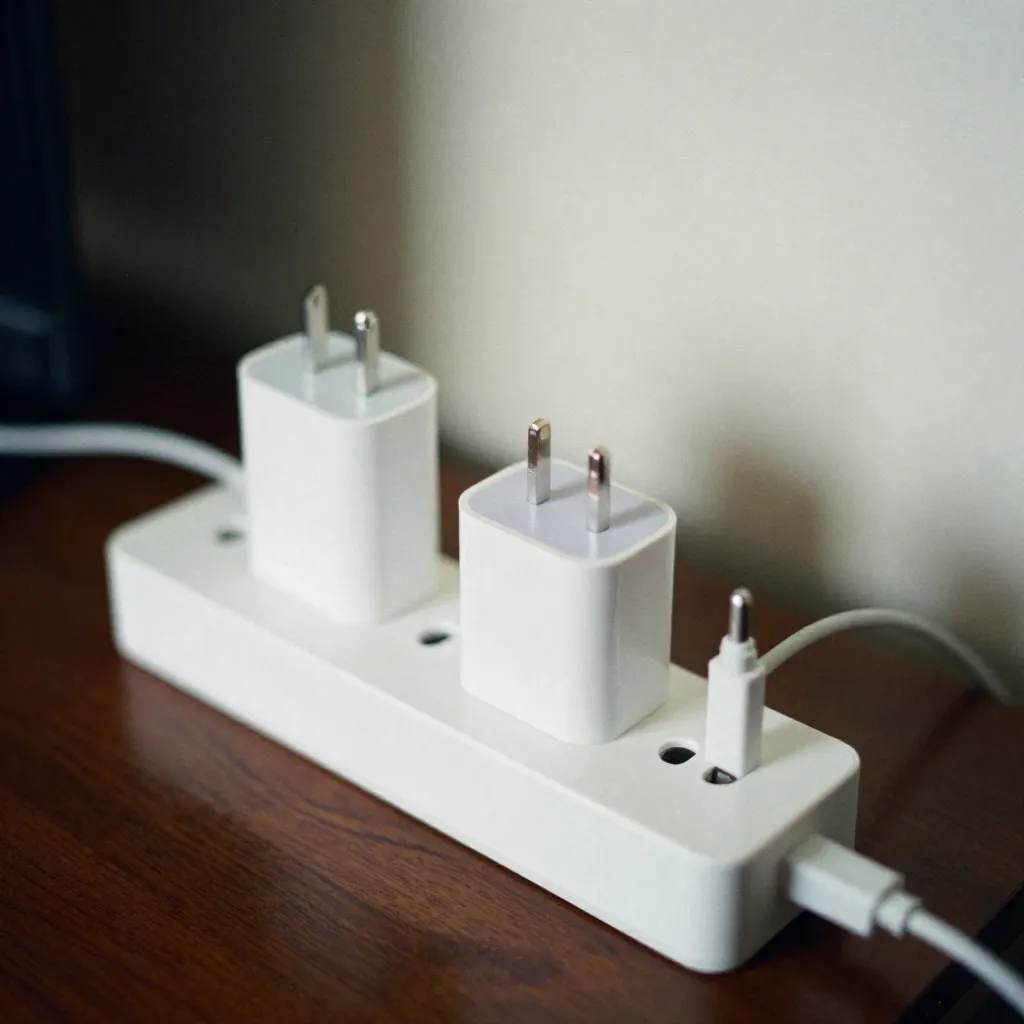
Hardware Longevity Protocols
Proper care of lithium-ion batteries and electronic circuits extends device lifespan and maintains energy efficiency over time.

Cycle Count Science
Lithium-ion batteries have a finite number of charge cycles. Understanding cycle count science helps optimize charging patterns to maximize battery health and longevity.
Optimal charging schedules maintain battery capacity between 20% and 80%, reducing stress on battery cells and extending overall lifespan.
Charging Schedule Optimization
Adapt charging patterns to your usage habits and local power grid characteristics. Smart charging strategies reduce energy waste and improve battery performance.
Display Settings
Adjust screen brightness, refresh rates, and timeout settings to reduce power consumption. OLED displays benefit significantly from dark mode interfaces.
Power Profiles
Configure system power profiles that automatically adjust performance based on usage patterns. Balanced and power-saving modes reduce energy consumption during low-activity periods.
Network Optimization
Wi-Fi and cellular connectivity consume significant power. Optimize network settings by disabling unused connections and managing background data synchronization.
Update Management
Schedule system and application updates during periods of low usage. Automatic updates can trigger high CPU and network activity, increasing energy consumption.
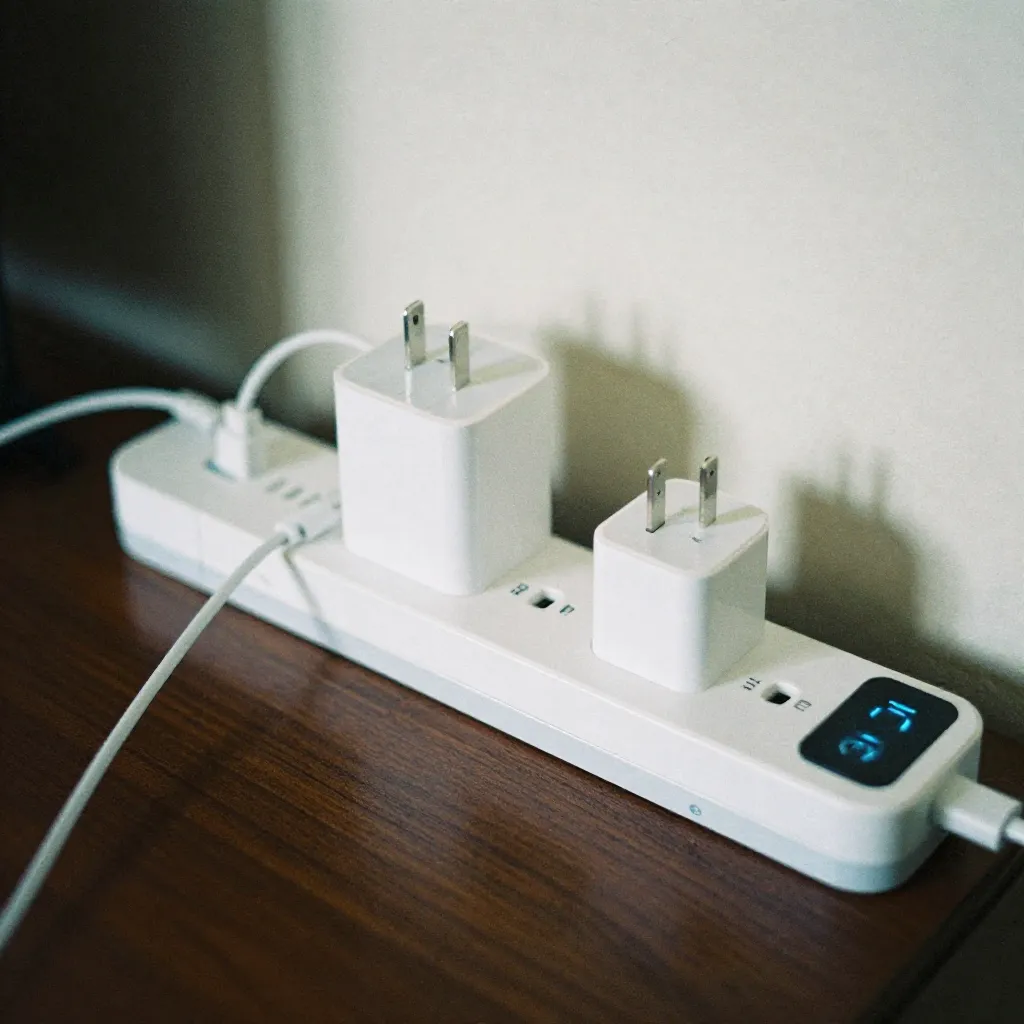
Real-Time Energy Monitoring
Visualize energy consumption patterns through interactive dashboards that display power usage metrics, trends, and optimization opportunities.
Consumption Analytics
Track energy usage across different time periods and identify patterns. Analytics tools help understand when and how devices consume the most power.
Historical data comparison reveals the effectiveness of optimization strategies and highlights areas for further improvement.

Advanced Power Management
Implement sophisticated power management strategies that balance performance requirements with energy efficiency goals.

Adaptive Performance Scaling
Modern devices feature adaptive performance scaling that automatically adjusts processing power based on workload demands. Understanding these mechanisms helps optimize energy consumption without sacrificing user experience.
Configure system settings to enable intelligent power management that reduces energy usage during low-activity periods while maintaining responsiveness when needed.

Cloud Sync Optimization
Cloud synchronization services consume significant power when constantly checking for updates. Optimize sync intervals to reduce background network activity and battery drain.

Wireless Connectivity
Bluetooth, Wi-Fi, and cellular radios consume power even when idle. Disable unused wireless connections and configure automatic disconnection when not in use.

Notification Management
Excessive notifications trigger screen activations and network requests. Review and disable unnecessary notifications to reduce power consumption from display and connectivity activities.
Real-Time Energy Monitoring
Track energy consumption patterns across different applications and system components to identify optimization opportunities.
Application-Level Monitoring
Monitor individual application energy consumption to identify power-intensive software. System tools provide detailed breakdowns of CPU, network, and display usage per application.
Use this data to make informed decisions about which applications to keep active and which to close or suspend when not in use.
Begin Your Energy Optimization Journey
Explore comprehensive guides, tools, and strategies to reduce your digital energy footprint. Start with our calculator to understand your current consumption patterns.
Get Started Learn More